
Handheld terminals for stocktaking: rent, buy, or use a phone
Before ordering handhelds for count day, it is worth knowing exactly what you get and what the alternatives are. An honest decision guide: three options, the cost structure of each, and when an industrial handheld genuinely beats a phone.

What a handheld terminal actually is
A handheld terminal is an industrial pocket computer: a laser scanner at the front, a small screen, usually a physical keypad, and a ruggedised body built to survive being dropped in a warehouse. On the software side it is, in the end, a device that runs an application and feeds barcodes into it.
That last point is easy to miss, and it is exactly why phones entered the picture: the same work, on different hardware.
Three options, without the sales pitch
- Rent for count day: order a number of units, collect or take delivery, count, send them back. Suits a business that counts once a year and does not want to own hardware.
- Buy handhelds: purchase devices and keep them in the business. Makes sense when they are used daily, not only for the annual count.
- The team's own phones with an app: the devices already exist, and a Bluetooth scanner is added only for people scanning for hours. That is our approach, and below is also where it is not the right one.
Cost structure: what you actually pay in each route
We do not publish other suppliers' prices here, because they vary by model, by number of days and by vendor. What is constant is the cost structure, and that is what to compare: rental is priced per device per day, so it resets and accumulates with every count, plus a deposit and damage liability. Buying is a larger one-time outlay, followed by maintenance, batteries and replacements. An app on the team's own devices is priced as a subscription, with no per-device charge, so the number of counters does not change the price.
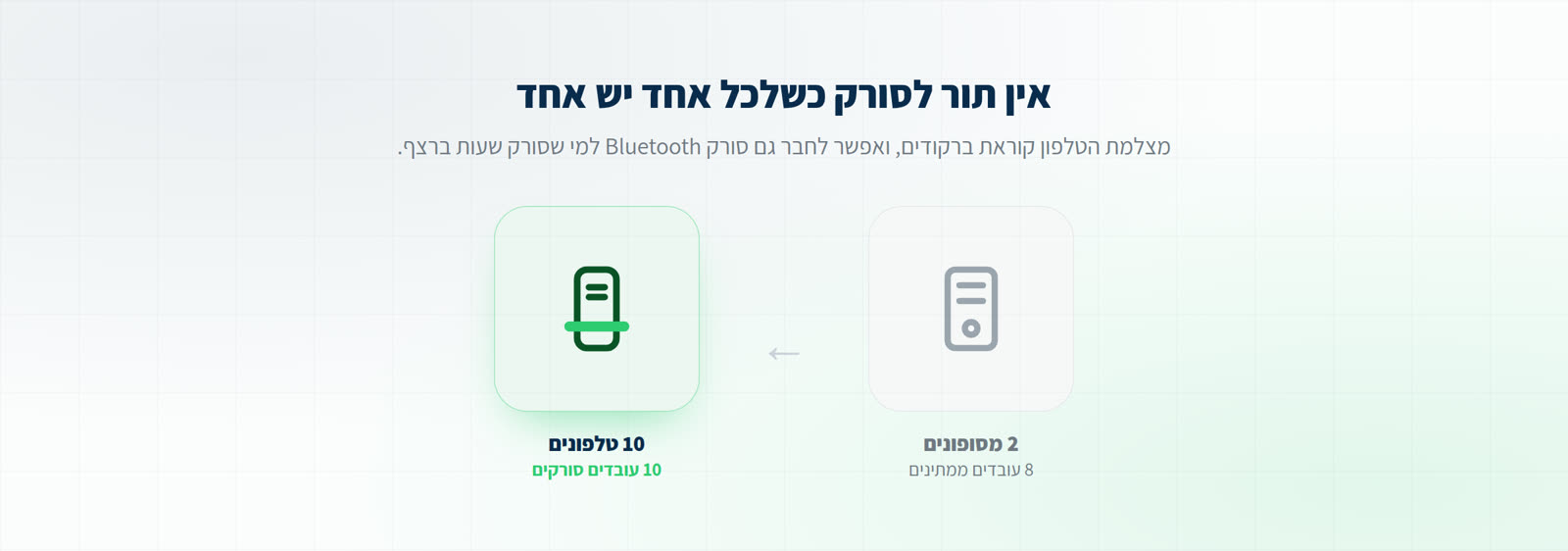
The biggest practical difference is not money but the ceiling: when renting or buying, the number of people who can count at once equals exactly the number of devices you have. With an app, one more person who turned up is one more scanner.
Before comparing prices, count how many people you want counting in parallel. That number decides whether a rental will be enough, and it is also the number that surprises most businesses on the day itself.
Want it point by point? OpticCount vs. rented handhelds: the full comparison
Warehouse and picking work: what changes there
Warehouse work differs from counting in a shop: scanning runs all shift, sometimes in refrigeration, sometimes in gloves, occasionally from a forklift. That is where an industrial handheld genuinely shows its advantages: a physical trigger, a battery for a full shift, and a body that absorbs a fall.
In order picking and goods receiving, by contrast, what usually sets the pace is not the device but the software: whether it shows order lines in the right sequence, whether it catches a picking error the moment it happens, and whether the result reaches your system without being retyped. Expensive hardware wrapped around a weak process is still a weak process.
And against the ERP?
This is the question that comes second, and rightly so: a handheld that scans beautifully but cannot return the result to your system creates work rather than saving it. What matters is how the data comes back, whether as a file in a format your system ingests or through a direct connection, and who is actually responsible for that fit.
With OpticCount the catalog loads in, the count happens on the floor, and the summary downloads in the format your system imports. Some systems also have a direct connection.
When an industrial handheld is the right choice
- The team has no smartphones, or a policy forbids using personal phones for work.
- A regulatory or organisational requirement for an approved dedicated device.
- Continuous scanning of tens of thousands of items per shift, where a physical trigger and an industrial battery are genuinely felt.
- A harsh environment: deep refrigeration, dust, or gloves that fight a touchscreen.
And when the phone already in their pocket does the same work
- Periodic or annual counting, where hardware sits unused most of the year.
- A team that changes size: seasons, temporary help, or simply whoever showed up that evening.
- Several branches or sites counting in parallel, without shipping devices between them.
- Wanting the history to stay in the business: who counted, when, and in which location, long after the count closed.
Common questions
Do you rent out handheld terminals?
No. OpticCount is a system that turns the smartphones your team already carries into counting devices, so there is no rental, no deposit and nothing to return. Anyone scanning for hours can add a Bluetooth scanner as a one-time purchase, and even that is optional.
What does it cost to rent a handheld for a count day?
Prices vary between suppliers and by model and number of days, so quoting a figure would be misleading. Three things are worth checking with each supplier: the price per device per day, whether a deposit or damage liability is required, and how many units are available on the date you need.
Is a phone camera fast enough for scanning?
Yes, for most of the work. The scanning engine reads a barcode in a few seconds and handles creased labels and warehouse lighting. For hours of continuous scanning, a Bluetooth scanner is more comfortable simply because it is a trigger pull rather than aiming a camera.
Can different devices mix in the same count?
Yes. Part of the team can scan with the camera and part with a Bluetooth scanner, and everything lands in the same count and the same variance report.
We already own handhelds. Can we use them?
If the handheld runs Android and has a browser, it will usually work like any other device. If it runs a closed dedicated system, it keeps working with the software it shipped with, and the two can be combined: the existing handhelds alongside phones for additional staff.