
The report is ready before you asked for it.
While the team scans, the screen already shows progress, differences and value. At the end all that is left is to download: a differences report, a full count log or stock value, filtered and formatted. Your accountant will think you worked on it all night.
Live
Progress and differences update on the management screen during the count, not after it.
29 columns to pick from
You decide what lands in the file: prices, suppliers, batches, expiry, who scanned and when. The choice is remembered for the next count.
No crashes
Even a hundred thousand rows come out as a clean file, with no Excel dying halfway.
One screen that says where the count stands.
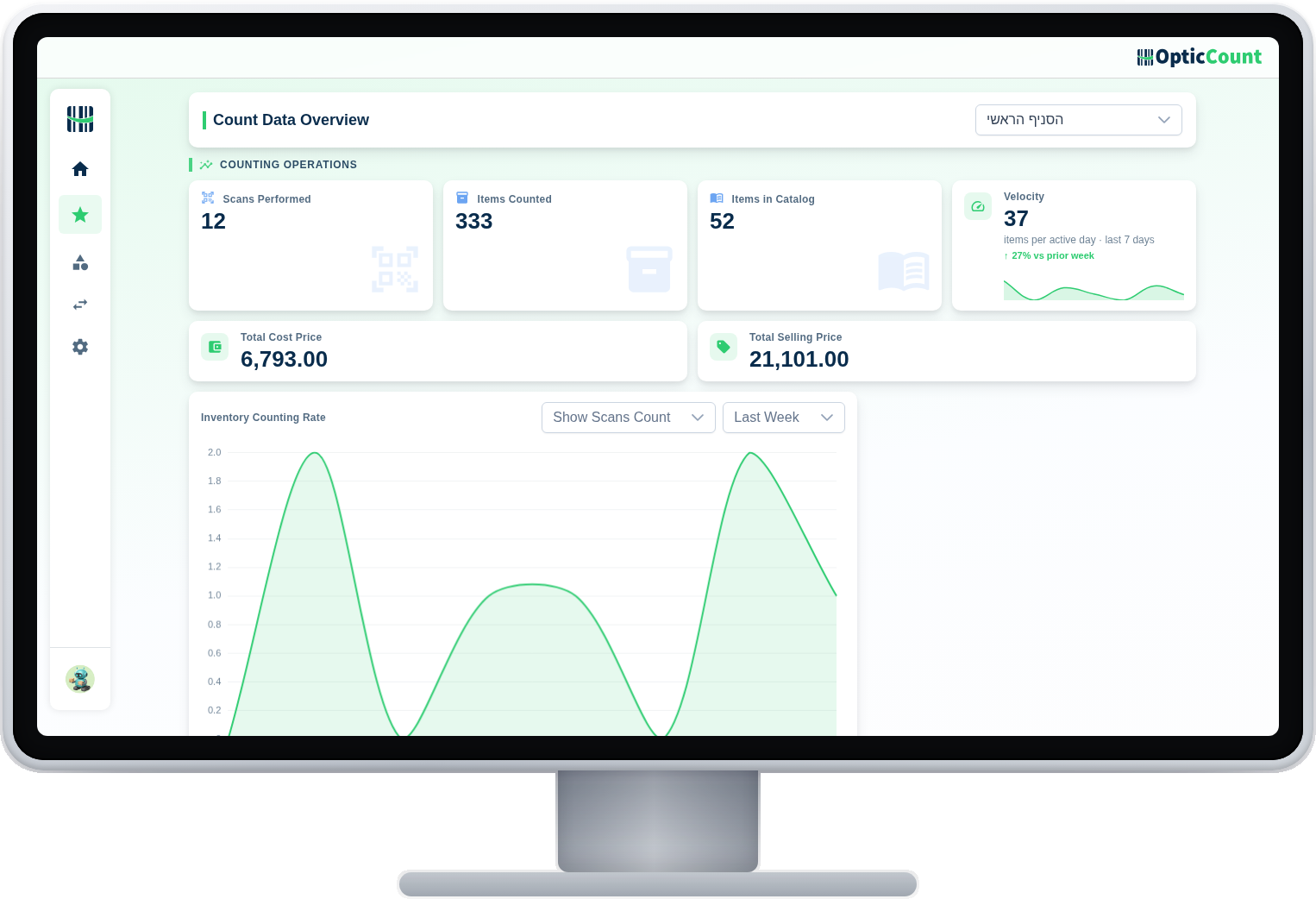
The overview screen: how much was counted, at what pace, who is counting and what remains. A manager glancing from the office knows exactly whether today ends on time.
Differences colored, not buried
What is missing is red, surplus is green, and accurate is quiet. The eye finds the problems in a second.
Filter before you download
Only negatives, only a category, only one branch. The file you download holds what needs handling, not everything.
The columns are yours
Choose which fields go into the report, and the setting is saved. Every count downloads in the same familiar format.
These all come out of a single count.
Differences vs the ERP
Only items where the counted quantity differs from the system
Items not counted
What is still missing, before you close the count
Full count log
Every item, in every location, with who scanned, when and how many
Stock value
Add the cost or price columns and the totals are calculated
Stock taken out
Only the lines counted as a negative quantity
Manually added items
What was scanned but was not in the catalog, to handle after the count
The whole catalog
One row per item, including the ones nobody reached
Excel or an ERP format
The same data, in a file your system knows how to take
Every workflow someone asks "so what came out?"
What people ask us
Can we download a report mid-count?
Yes, at any point. The download does not stop or disturb the count, and the report reflects that moment's state.
Is the report accountant-ready?
Yes. A formatted Excel with totals, in a fixed format that repeats every count. ERPs get dedicated templates on the export page.
How many rows does it hold?
Tens of thousands of items and hundreds of thousands of scans. The reports are built for chain-scale, not just one shop.
See it work on your actual inventory
Want to save your team hours and cut mistakes? Leave your details and we'll get back to you today, with answers to your questions.
Nice to meet you
Just so we know who we're calling.