























What does it cost today?
Stickers age. The system doesn't.
The promotion changed and the stickers stayed behind. Scan at the shelf and answer with the price the system holds now, not whatever was printed a month ago.
Over 600 businesses tried it and loved it
A customer is standing in front of your employee, and the answer lives in the system. The scan brings it to the shelf.
What does it cost today?
The promotion changed and the stickers stayed behind. Scan at the shelf and answer with the price the system holds now, not whatever was printed a month ago.
Any left in another branch?
Gone from the shelf? The scan shows what's left in every branch, straight from the system's counts. Tell the customer where one is waiting, without a round of phone calls.
What even is this item?
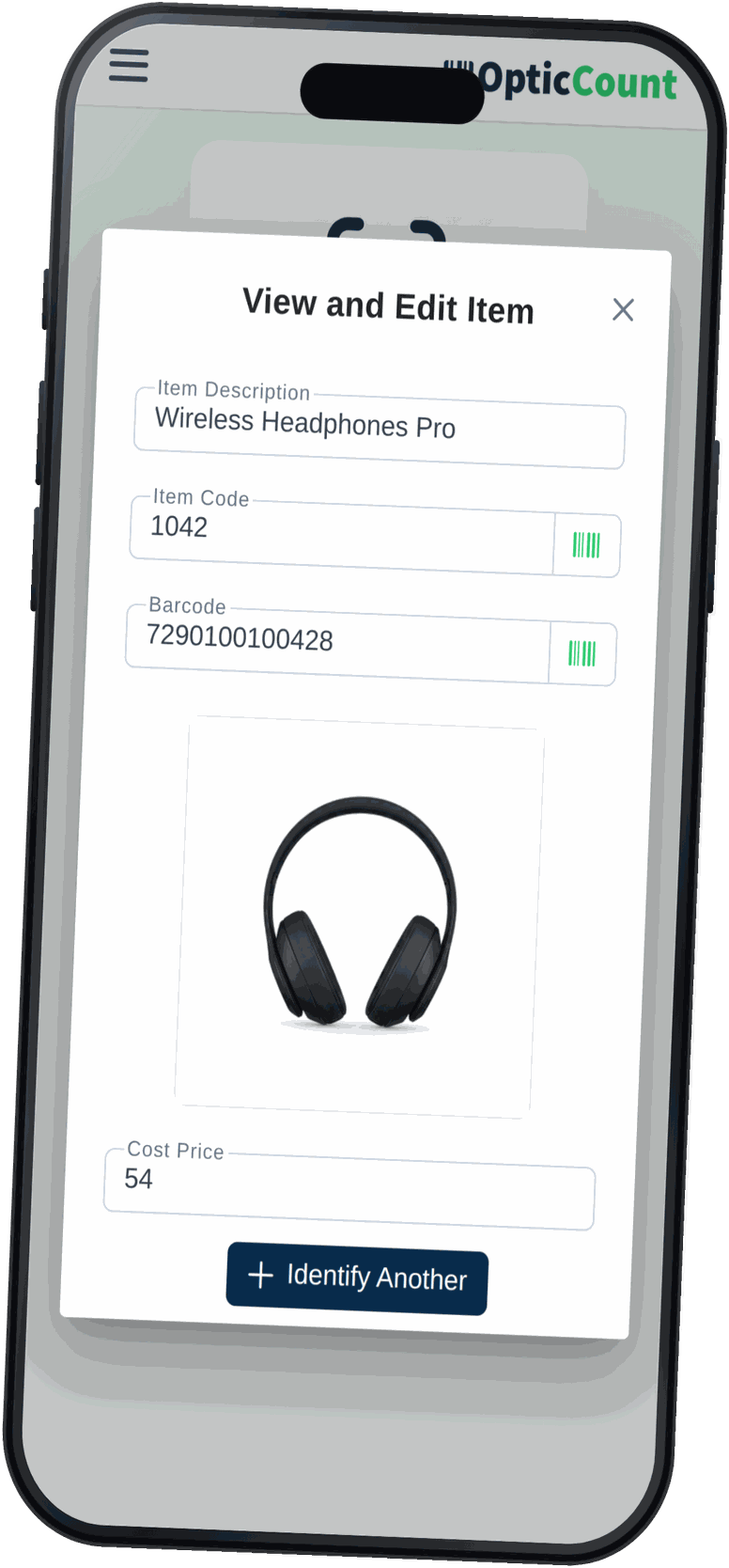
A return with no packaging, a faded label, two sizes that look the same. The scan opens the photo, size, colour, model and SKU, and certainty comes back.
Item identification is a read-only mode that opens from the app's home screen. A new hire uses it on day one, with no extra passwords and no way to break anything.
Barcode from the camera, a Bluetooth gun, or typing part of a name. Autocomplete finds the item from half a word.
The quantity per branch is computed from the system's count records, the same number your reports show.
An employee without cost-price permission simply doesn't see cost prices. Same screen, your boundaries.
Spotted a mistake in the item's details? Anyone authorised fixes it on the spot, and the fix lands in the whole catalog.
Want to save your team hours and cut mistakes? Leave your details and we'll get back to you today, with answers to your questions.
Just so we know who we're calling.