
The same count, two ways.
Compared by what actually happens on count day, not by a feature list.
How an item gets in
Excel: Someone types it
OpticCount: You scan it, camera or gun
How many count at once
Excel: One file, collisions
OpticCount: The whole team on one count
What the manager sees live
Excel: Nothing, until the file comes back
OpticCount: Progress and differences in real time
An item scanned twice
Excel: Another row nobody notices
OpticCount: An alert on the spot, decision logged
Signal drops in the warehouse
Excel: Depends where the file lives
OpticCount: Saved on device, uploads later
Who typed this row
Excel: No answer
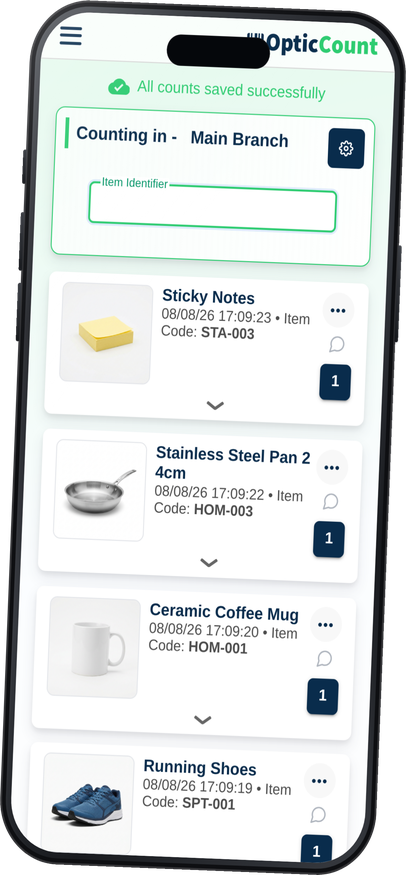
OpticCount: Every scan has a name and a time
The accountant's report
Excel: A night of formulas and formatting
OpticCount: Downloads ready, same format every time
Import into the ERP
Excel: Rebuild the columns each time
OpticCount: Built-in templates per system
Office math and reports
Excel: Excel's natural home
OpticCount: We export to it, gladly
Three familiar moments, and what happens here instead.
"Wait, which version are you on?"
Two workers opened the same file and each saved their own. Now someone merges by hand and guesses who is right.
No versions. One count.
Every scan from every device lands in the same cloud count. There is nothing to merge, because nothing ever split.
"Who counted this shelf?"
A number looks odd, but Excel does not remember hands. There is nobody to go back to and nobody to ask.
Every row is signed.
Who scanned, when, and in which location. A question about a number becomes a two-minute chat, not an investigation.
"The file crashed with the whole count in it."
Three hours of work in an unsaved file. Everyone knows that moment, usually from up close.
Saved on every scan.
The data lives on the device and in the cloud, not in an open file. There is no save button to forget.
The manager sees everything. The worker just scans.
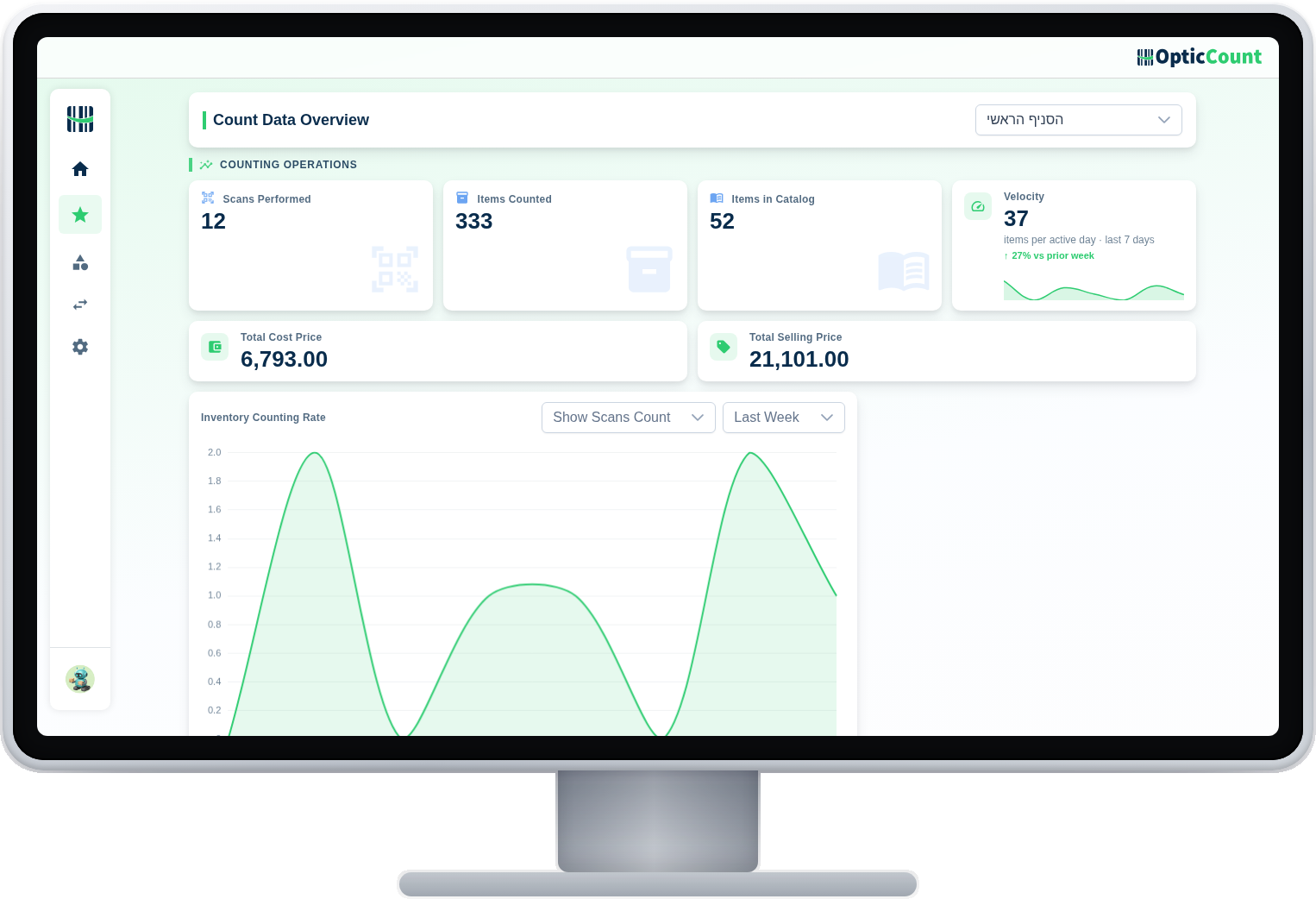
The overview screen shows the count advancing in real time while the floor simply scans item after item. Nobody types, nobody merges, and nobody asks where the file is at the end of the day.
When Excel really is enough
Fifty items, one count a year, and one unhurried person counting? Excel will do the job. This comparison becomes relevant the moment there are several workers, several zones, or a catalog that no longer fits on one screen.
See it work on your actual inventory
Want to save your team hours and cut mistakes? Leave your details and we'll get back to you today, with answers to your questions.
Nice to meet you
Just so we know who we're calling.