
The end of clumsy, outdated stocktaking
Every business holding stock counts it at least once a year, and most do not enjoy it. We asked owners what actually makes it hard, and collected the answers here: what orderly stock is worth, where each counting method breaks, and what a count looks like when it does not force you to close.

Why count at all
Any business that holds and manages stock has to count it at least once a year, around the end of the tax year. Beyond the requirement, the count is the only way to know how much money is actually sitting on the shelves: stock is trapped capital, and every gap between the computer and reality is a gap in the statements and in purchasing decisions.
The problem is familiar to anyone who has done it: counting during opening hours is hard to impossible. So either the business closes for a day, or the count happens at night. Both cost time and money, which is why counts get postponed again and again.
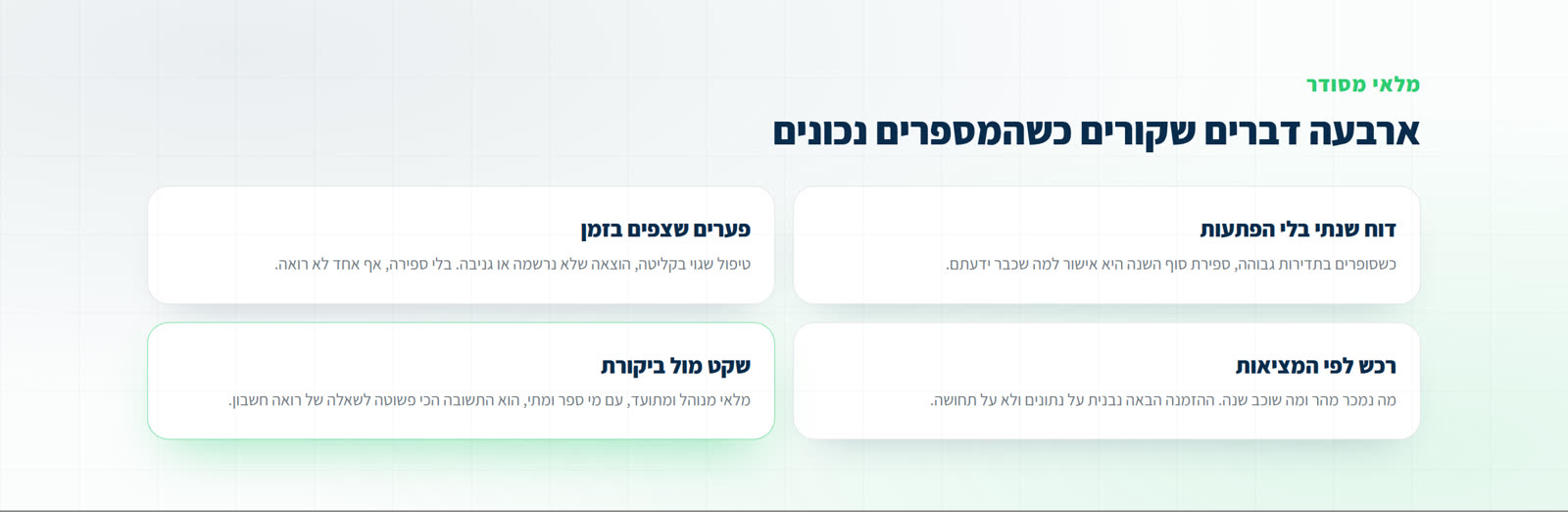
What orderly stock is worth
- A year-end report with no surprises: businesses that count often arrive at December already knowing their numbers.
- Gaps that surface in time: receiving handled wrong, an issue never recorded, or theft. Without frequent counts, these show up far too late.
- Purchasing based on reality: what sells fast justifies more stock, and what has sat for a year justifies a different decision.
- Peace of mind at audit: managed, documented stock, with who counted and when, is the simplest answer to an accountant's question.
The methods, and where each one breaks
We asked owners across different trades how they count today. We focused on businesses that already manage stock in an ERP or a computerised till, because that is where the gap between the tool and the need shows most.
- Notebook, pen and paper: looks cheap, and is in fact the most expensive in time. Every total is done on a calculator, and every copy step invites an error.
- An external counting company: convenient when there is no spare staff, but expensive, booked for one date, and the crew counting does not know your goods.
- Rented terminals: accurate, but every device needs the catalog loaded, they cost money every count, and you only see the data after returning the equipment. If something was missed, it is too late.
- A wired barcode scanner into the till: accurate, but you cannot count with several scanners at once, and the cable length is the limit of the job.
More on handhelds: Handheld terminals for inventory counts: rent, buy, or count from a smartphone
What we found works
The common denominator behind every complaint was the same thing: the number of scanners. With one scanner, one person counts and everyone else watches. That is where the solution we built comes from, and it is simple: the phone already in every worker's pocket becomes the terminal.
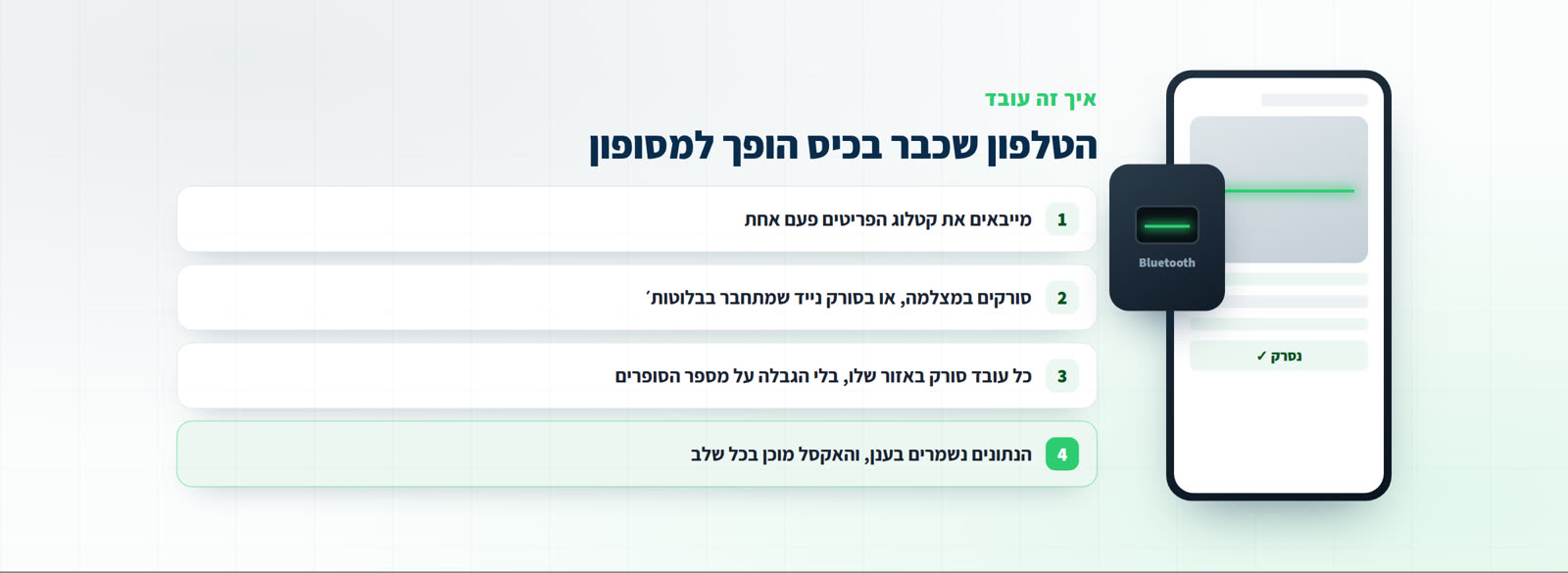
Import the item catalog once, and each worker scans their own zone, with the camera or with a portable barcode scanner that connects over Bluetooth. There is no practical limit on the number of counters, no equipment to rent, and no catalog to load onto each device.
See what it looks like in practice: inventory counting software on any smartphone
What happens during, not after
The big difference from a terminal is not the scanning itself, it is what you can see while it happens. The manager watches on screen what each worker scanned, how much is counted and where it is stuck, live. The data saves automatically, and at any point you can download a clean Excel file with location, item code, price, supplier and quantity.
That is also what makes frequent counts possible. When a count needs no advance booking, no rented equipment and no closed doors, you can count one category in an evening instead of waiting for December.
The differences, side by side: OpticCount vs. rented handhelds
And the service is part of the product
The thing that came up almost as often as the tool itself was the support: somebody who answers before the count, while it runs, and after it. A big count is a tense evening, and an owner who knows there is someone to call counts differently. For us that is part of the product, not an add-on.
Common questions
Do we need to buy equipment to start?
No. You can start with the phone cameras your team already has. A portable Bluetooth scanner is there for people scanning for hours, but it is not a condition for starting.
How many counters can work at once?
No practical limit. Every worker works from their own device, and all scans land in the same count live.
Does it fit a business with no computerised catalog?
The system is built for businesses managing stock properly, but you can start from a simple Excel list of items. If there is no catalog at all, we help build one.
What do we get at the end?
A clean Excel file with the fields you chose, or an export in your ERP's template. You can also download mid-count without stopping it.