
An item with no barcode? Give it one in a minute.
Whatever you produce, pack or receive unlabeled gets a barcode from the same system where it already exists. Pick items, set label counts, print and stick. From that moment it scans like everything else.
From the catalog
Search items and mark how many labels each gets. Ten for one, one for another, same print.
Your template
Label size and per-page layout, matching the sheet already in your drawer.
Any printer
A regular office printer on a label sheet, or a dedicated label printer. No extra software.
Pick, set quantities, print.
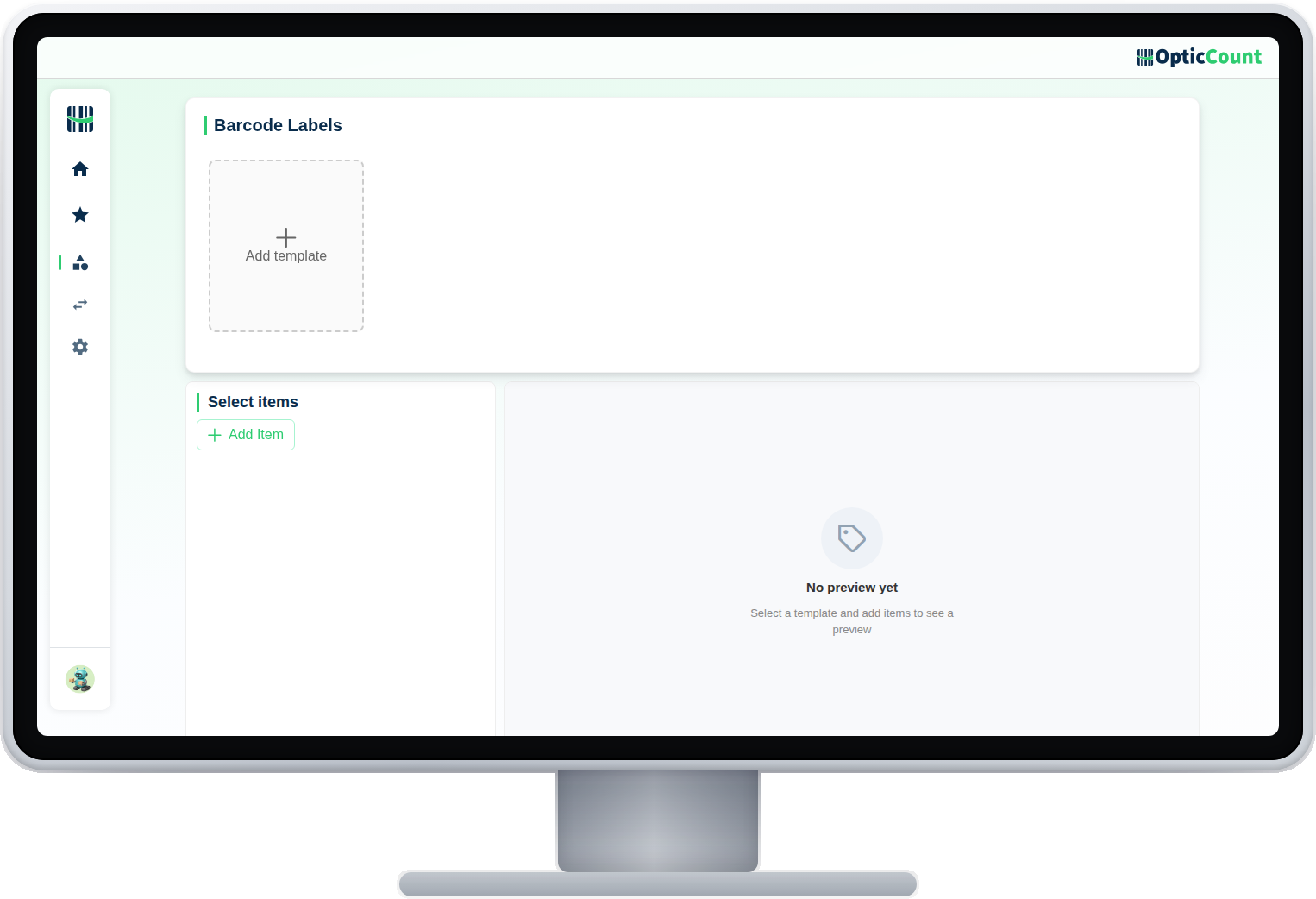
The barcode printing screen: search the catalog, choose items and a label count for each, and what appears on the label: barcode, name, SKU, price. Out comes a print-ready file that lands exactly on your sheet.
A barcode even for an item without one
Self-produced items get an internal barcode from the system, and from that moment they scan like any other item.
What is on the label, your call
Barcode only, or also a name and price for shelf display. Choose once and it is saved for the next prints.
A worn label? Two more in a click
A label faded in the sun or torn is reprinted in seconds, without hunting for an old file.
What saves you the separate label software.
Pick from the catalog
Search by name, SKU or barcode and mark for print
Quantity per item
One label or a hundred, set per item
Sheet template
Label size and layout matching your paper
Label content
Barcode, name, SKU and price, whatever the shelf needs
Internal barcodes
The system generates one for items that arrived without
A file to print
A PDF that prints from whatever printer you have
The step that makes everything scannable.
What people ask us
Do we need a special label printer?
No. A label sheet in a regular office printer works fine. If you have a dedicated label printer, use it happily.
The item has no barcode at all. Possible?
Yes. The system generates an internal barcode, you print and stick it, and from that moment it scans like any other item.
Can we print the price on the label?
Yes. Choose which fields appear: barcode, name, SKU and price, whatever the shelf needs to show.
See it work on your actual inventory
Want to save your team hours and cut mistakes? Leave your details and we'll get back to you today, with answers to your questions.
Nice to meet you
Just so we know who we're calling.